Wedding QR codes: where to put them and how to print them
The best places for a wedding QR code are every table and the entrance to the venue. Print it large enough for guests to scan without getting up. Next to it, add one sentence saying what guests will find after scanning. Below: where to put it, printing tips and a pre-wedding checklist.
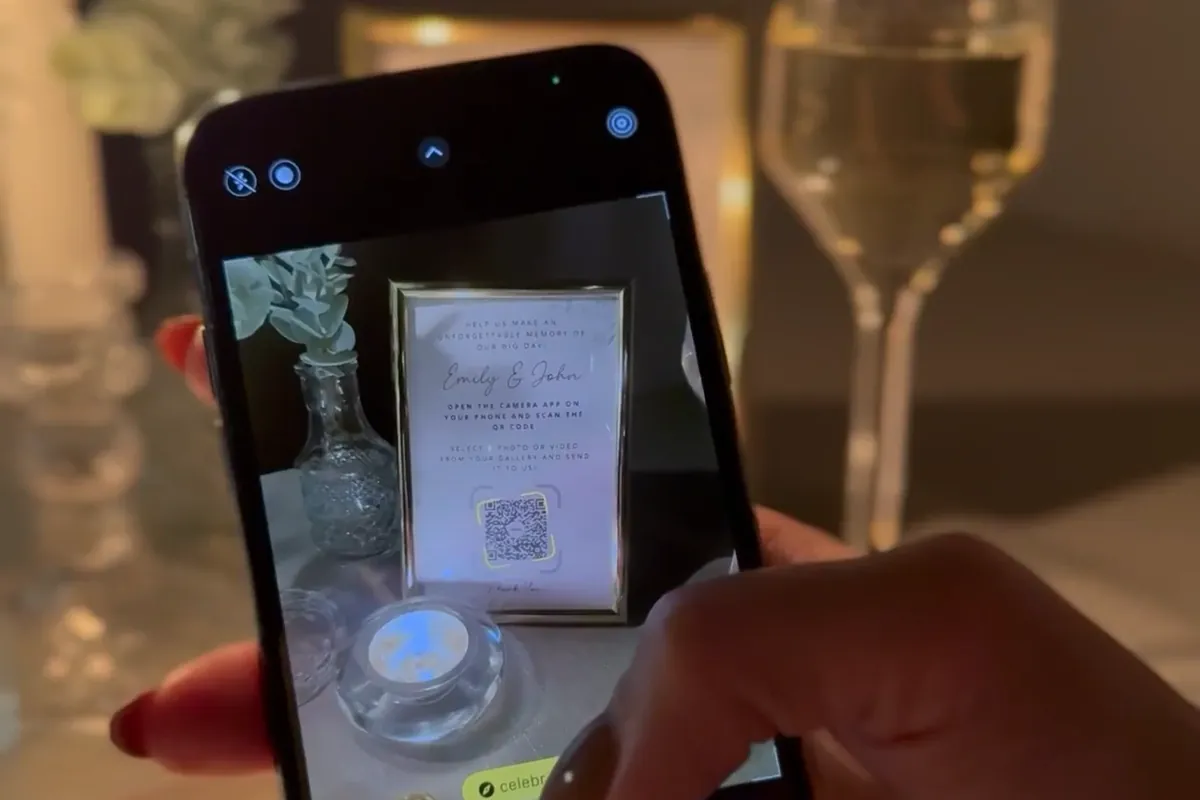
Where to put the QR code at a wedding
Guests scan a code when it’s right in front of them and they have a spare moment. So it’s not about one “perfect” spot, but several places where guests stop anyway.
1. On every table
This is the most important spot. The code card stays all evening where guests sit, eat and talk. Between courses everyone has their phone in hand, so they scan the code without getting up. Put one card per table, and two on long tables, one at each end.
2. At the venue entrance
The welcome sign or seating chart is the first thing guests see. A bigger sign with the code next to the seating chart tells them right away that you’ll be collecting photos. Some guests will scan the code while waiting in line to congratulate you.
3. By the bar and the dessert table
At the bar and dessert table, guests wait, chat and take photos of the desserts. A small code card reminds them where to upload those photos.
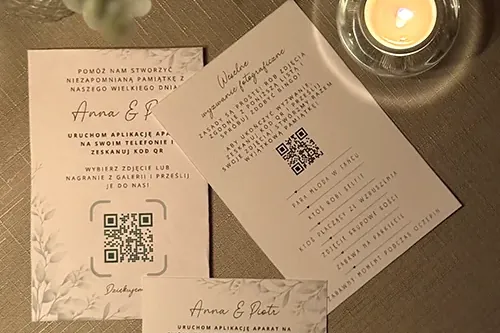
4. In the invitation and the thank-you note
A code printed on or included with the invitation means guests know about the gallery before they arrive. After the wedding, send the link again, by text or in a thank-you message. That’s when guests add the photos they didn’t upload during the party.
5. By the photo booth or photo wall
If you have a photo booth, a sign wall or a props corner, put one more card there. Guests take phone photos in spots like these, so having the code at hand means those shots end up in the gallery too, instead of staying on their phones.
How to print a QR code so it scans
A code that can’t be scanned in a dimly lit venue quickly puts guests off. A few simple rules are enough to make it work at every table.
Size
On a table card, the code should be at least a few centimeters wide. Guests scan it from arm’s length, often from across the table. Make the code on the entrance sign bigger, since guests look at it from a distance.
Contrast and color
You choose the QR code color in the gallery, so you can match it to your decor. Stick to one rule: a dark code on a light background. A light code on a dark background, or a pastel code, can be hard to read, especially in the evening.
Margin and paper
- leave a clear, light margin around the code, with no embellishments or text running into it;
- don’t place the code on a photo or a patterned background;
- choose matte paper, because glossy paper reflects lamps and candlelight;
- don’t fold the card through the middle of the code; use a stand or a frame instead.
Text next to the code
A code on its own doesn’t say what it’s for. Add a short sentence, like “Scan with your phone camera and add your wedding photos. No app, no login.” If you set a gallery password, write it under the code.
Most common mistakes
- a code shrunk to the size of a stamp to fit more decorations;
- a code with no sentence at all, so guests don’t know what it’s for;
- cards set out only after dinner, when guests are already seated;
- one card for the whole room instead of a card on every table.
Wedding QR code step by step
The QR code is just the way into the gallery. Set up the gallery first, then the code and the cards.
- Create your gallery and choose a design template, like “Black & Champagne” or “Wildflower Meadow”. Change the title, photo and colors.
- Decide whether you want moderation, meaning approving photos before they’re shown in the gallery, and whether the gallery should have a password.
- Choose the QR code color and use the ready-made printable code card templates.
- Print one test card and check that it scans with several phones.
- Print cards for all the tables, a bigger sign for the entrance and a few spares.
- Publish the gallery before the wedding. For weddings there are two packages: Standard 299 zł (gallery for a year) or Plus 499 zł (3 years), paid once, no subscription.
- On the wedding day, ask venue staff or your best man and maid of honor to set out the cards before guests come in.
Don’t overdo the password and moderation. A password helps when the link might spread beyond your guests, but it’s one more step every time someone opens the gallery. Moderation gives you control over what guests see, but photos will appear in the gallery only after you approve them.
Creating and testing your gallery is free. You pay for a package when you publish, so you can take your time checking how the gallery and cards look before choosing one.
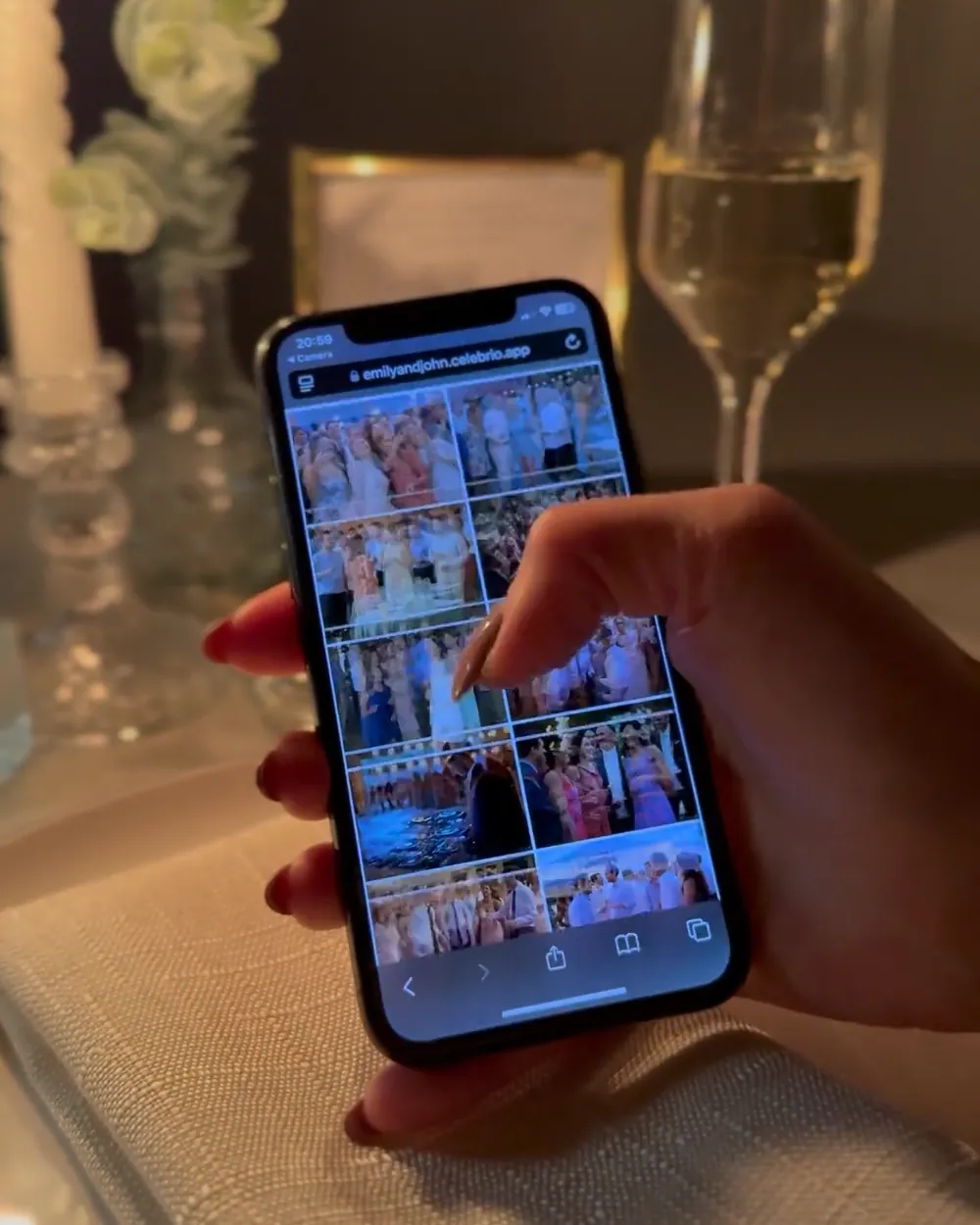
After the wedding, you have all your guests’ photos in one place. They go into the gallery in full resolution, without messaging-app compression, and you download everything as a ZIP file.
Frequently asked questions
One. All the cards lead to the same gallery, so you print the same code several times: one card per table, a sign at the entrance and a few spares.
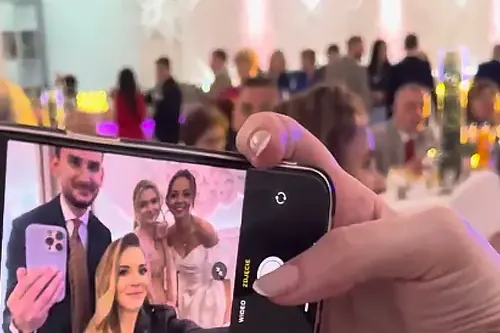
On most phones the camera is enough: the code opens the gallery in the browser. Guests don’t install an app or create an account. Anyone who can’t scan the code can open the gallery from the link.
Yes, you choose the code color in the gallery. For reliable scanning, pick a dark color on a light background.
You can print A6 cards on a home printer on thicker, matte paper. For a bigger batch or an entrance sign, a copy shop or print shop is more convenient.
There are two packages for weddings: Standard at 299 zł (gallery for a year) or Plus at 499 zł (3 years). You pay once, when you publish the gallery.