How to collect photos from wedding guests — 5 ways and their downsides
The least effort is one gallery with a QR code on the tables: guests add photos from their phones, no app needed. Below we compare five ways, downsides included: a WhatsApp group, a Google album, disposable cameras, a photo booth and a QR gallery.
Quick comparison
Each of the five ways will get you some photos. They differ in how much work they ask of guests, what quality the files arrive in and when you get to see them.
5 ways and their downsides
1. A WhatsApp group
You create a group, add your guests, and they post photos as they go. Most people already have WhatsApp, so nobody has to install anything.
Downsides:
- photos and videos are compressed by default;
- they get lost among messages and stickers;
- you need every guest’s phone number;
- downloading everything at once is a hassle.
2. A shared Google Photos or iCloud album
You create a shared album and send the link. Photos keep better quality than in a chat, and the album is easy to browse.
Downsides:
- adding photos usually requires a Google or Apple account;
- some guests will struggle with logging in;
- an iCloud album is convenient mainly for iPhone owners.
3. Disposable cameras on the tables
They bring the feel of analog photography and photos nobody has touched up with a filter. Guests love playing with them, especially later in the evening.
Downsides:
- you only see the photos after developing, often weeks later;
- some shots are overexposed or blurry;
- the cost goes up with the number of tables;
- no videos or recorded wishes.
4. A photo booth
A booth with lighting and props takes even, well-lit photos and prints a keepsake for guests on the spot.
Downsides:
- it only shows what happened in front of the booth — no dance floor, tables or speeches;
- renting one is usually the biggest expense on this list;
- it takes up space at the venue.
5. A QR code gallery
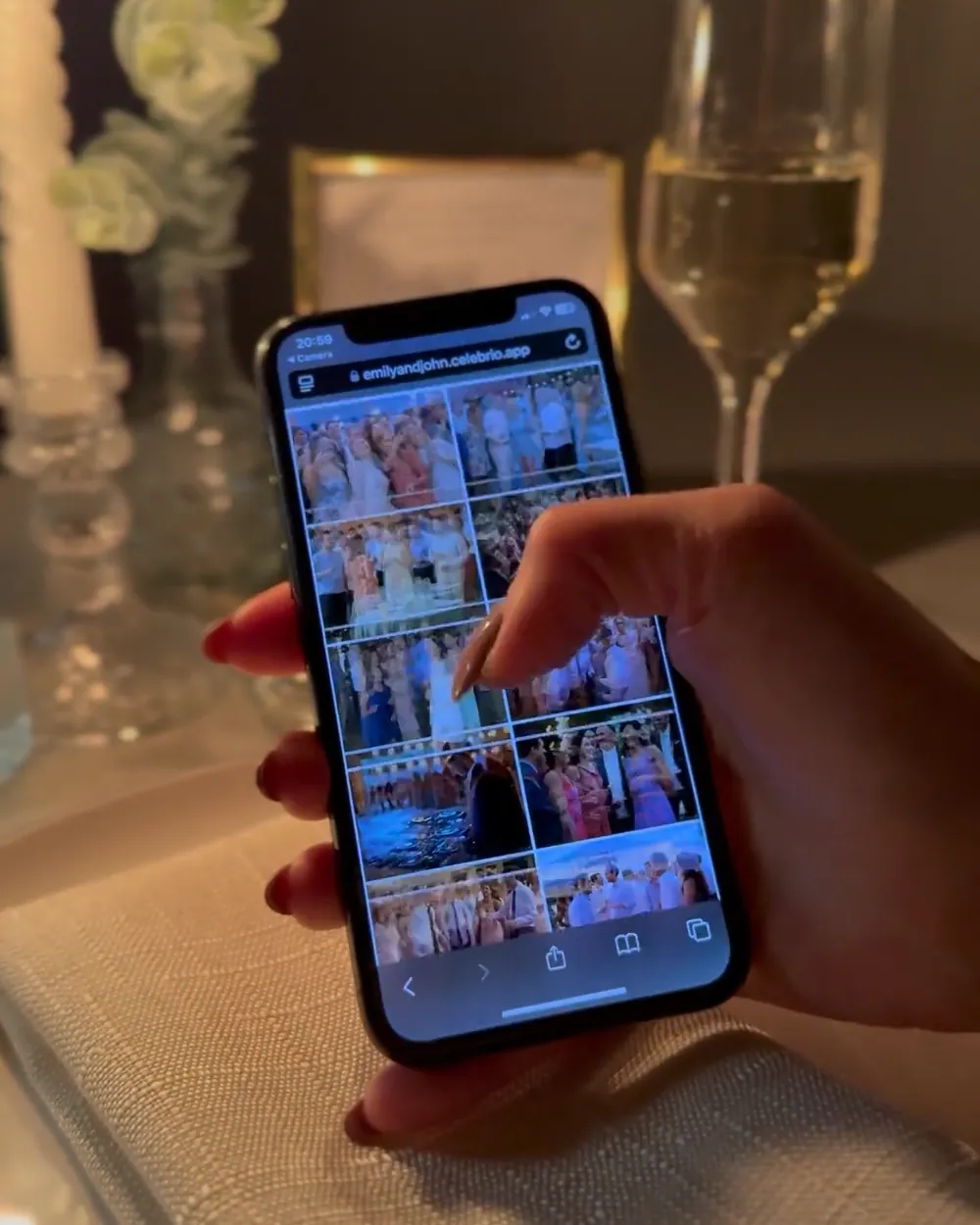
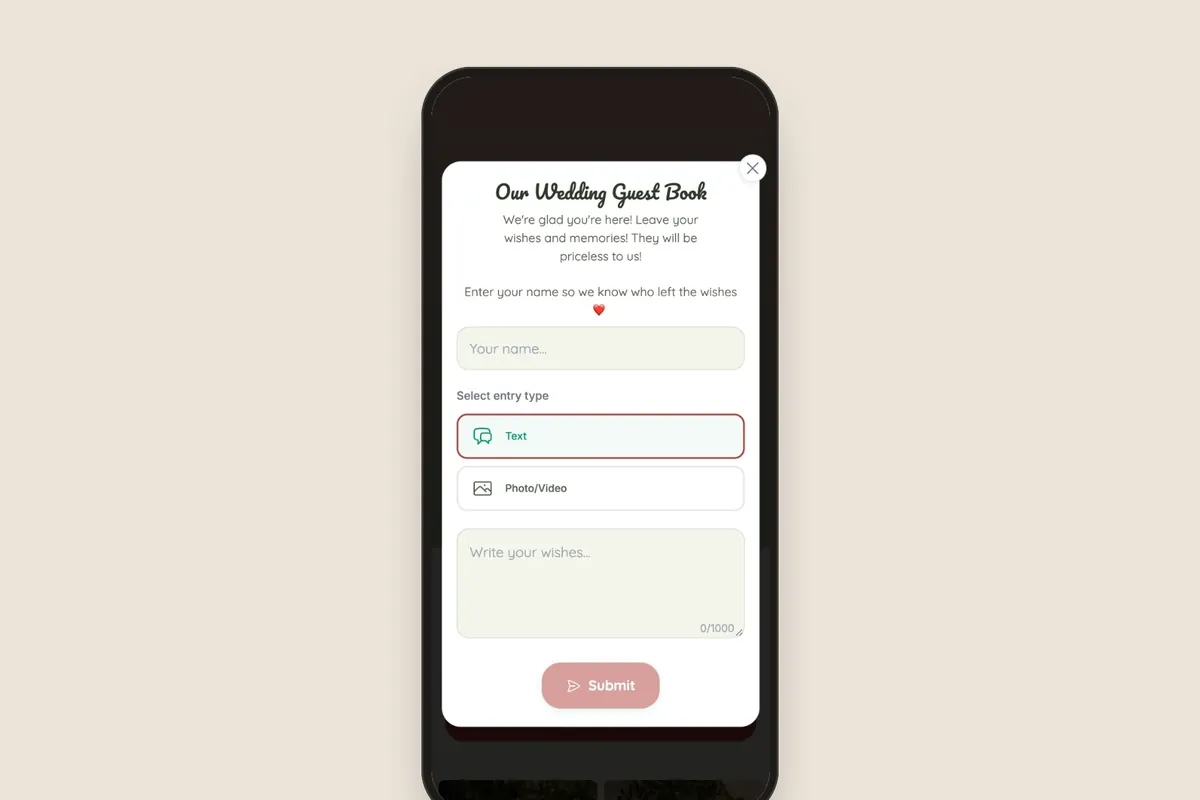
Cards with a QR code sit on the tables. A guest scans it with their phone camera and adds photos or videos in the browser — no app, no login. Everything goes into one album that you download as a ZIP.
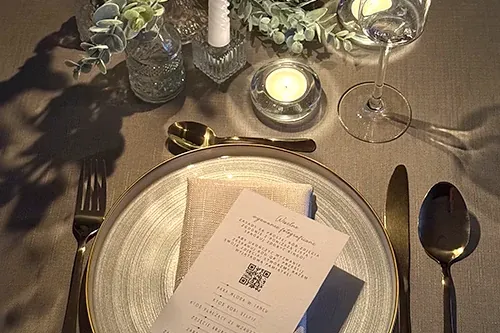
Downsides:
- you need to print and set out the code cards;
- some guests will forget about the code if nobody reminds them;
- it’s a paid service: for a wedding, from 299 zł, one-time.
How to get guests to add photos
- Print code cards for every table, plus one at the entrance.
- Add the code to your invitation so guests know it in advance.
- Ask your MC or DJ to make an announcement after the first dance.
- The day after the wedding, text the link asking for photos from guests’ phones.
Which to choose?
Want photos from all your guests in original quality, in one place, right after the wedding? Then a QR code gallery takes the least effort. Disposable cameras and a photo booth complement it well as entertainment, and a WhatsApp group is enough for a small reception.
“We had 120 guests and collected over 600 photos. We just put cards with the QR code on the tables and guests added pics themselves all evening. By morning we had a finished album!”
Frequently asked questions
Send guests the gallery link by text or in a thank-you message. In a QR gallery, guests add photos from their phones without logging in, even a few days after the wedding.
Not with a QR gallery — the code opens a page in the phone’s browser. An account is needed for Google and iCloud albums.
Celebrio has two wedding packages: Standard for 299 zł (gallery for a year) and Plus for 499 zł (3 years). You pay once, when you publish the gallery.
In a Celebrio gallery, you download everything in one click as a ZIP file, in original quality.